
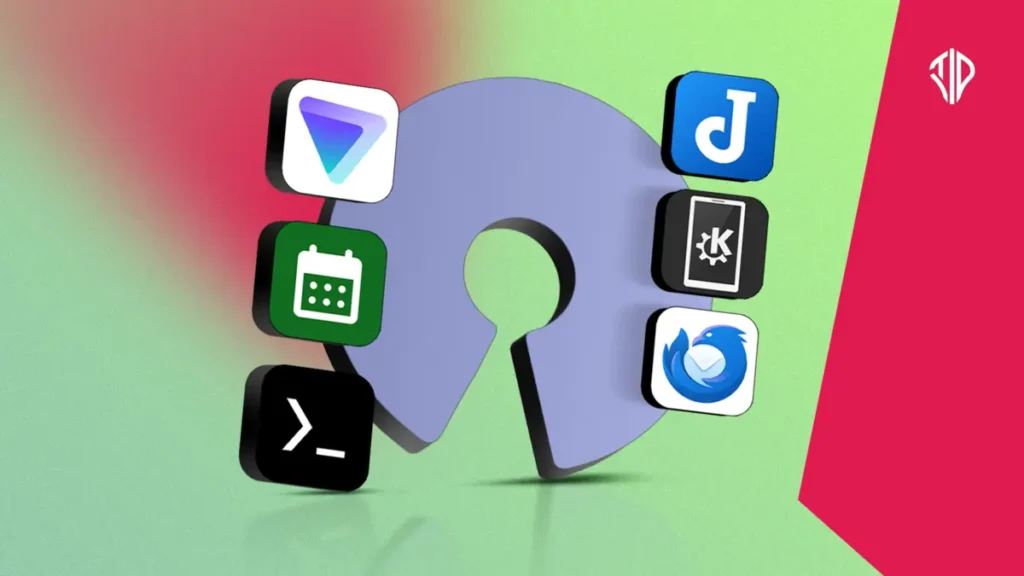
As concerns over data collection, advertising trackers, and closed ecosystem lock-ins continue to grow, many digital citizens are looking beyond mainstream software. Open source software has evolved far beyond developer-only utilities, offering robust, transparent alternatives for everyday tasks. While core features of these projects are often free, supporting them through paid subscriptions or donations ensures sustainable development and advanced synchronization features.
Moving away from proprietary services does not mean sacrificing convenience or capability. Several carefully engineered applications prove that open source software can match or exceed the polish of commercial equivalents while keeping your data strictly in your hands.
Execute Linux Commands with Termux
For users seeking raw computing power on mobile devices, Termux serves as a fully functional Linux terminal emulator for Android. It opens up advanced capabilities like downloading media directly from web sources using command-line utilities.
By granting Termux storage permissions, you can pull files directly using tools like wget or yt-dlp. This bypasses ad-heavy web wrappers and frustrating redirection loops that often plague standard media downloaders.
Keep Your Schedule Private with Fossify Calendar
Managing sensitive schedules requires a higher level of discretion than mainstream cloud calendars provide. Fossify Calendar is a lightweight, open source, and completely ad-free alternative that operates entirely offline without requiring user accounts.
Users can track personal routines, medical data, or private events without worrying about data harvesting. Data export options allow you to save schedules in standard iCalendar formats to external storage or new devices securely.
Maintain Secure Connections with Proton VPN
Free virtual private networks often monetize user activity by logging and selling browsing data or injecting intrusive advertisements. Proton VPN stands out by relying on transparent paid tiers and rigorous independent security audits to verify its strict no-logs policy.
The service provides automated server selection alongside manual controls for bypassing geo-restrictions. Enabling built-in features like a kill switch ensures that internet traffic is instantly halted if the secure tunnel drops, preventing accidental data leaks.
Bridge Devices Seamlessly with KDE Connect
Interoperability between mobile operating systems and desktop environments can often feel fragmented. KDE Connect solves this by creating a secure bridge over local Wi-Fi networks for file sharing, clipboard syncing, and remote device control.
Whether you need to copy text on your phone and paste it onto your laptop, or use your mobile device as a wireless trackpad, the utility operates smoothly without relying on external cloud servers.
Organize Notes with Joplin
Taking notes in structured formats helps maintain clear workflows, but many popular note-taking platforms lock data behind proprietary cloud storage. Joplin provides an open source alternative with a manageable learning curve for organizing notebooks and markdown files.
While users can link their own cloud storage providers for free syncing, paid tiers offer reliable end-to-end encrypted storage and seamless cross-device synchronization for demanding workflows.
Consolidate Communications with Thunderbird
Managing multiple email accounts across different providers can become chaotic within browser tabs or proprietary apps. Thunderbird brings multiple inboxes into a unified, privacy-focused desktop environment backed by decades of open source development.
By utilizing Open Authentication protocols, the application communicates securely with mail servers using access tokens rather than storing raw user passwords. This structure provides robust organization tools while keeping credential security tightly controlled.
Getting Started with Open Source Alternatives
Transitioning away from cloud-heavy, proprietary ecosystems is most successful when approached gradually. Users can start by replacing a single low-risk daily utility, such as a calendar or a note-taking app, to evaluate the practical benefits firsthand.
Exploring these tools not only reduces dependence on corporate tracking but also supports independent developers who prioritize user agency and digital sovereignty.
Key Takeaways
- Open source software offers robust, privacy-focused alternatives to mainstream, proprietary applications.
- Termux and Fossify Calendar provide powerful command-line tools and secure, offline schedule management.
- Proton VPN and KDE Connect enhance digital security and seamless cross-device interoperability without cloud tracking.
- Joplin and Thunderbird help users organize notes and consolidate communications securely and efficiently.
Join our community by subscribing to our Weekly Newsletter to stay updated on the latest AI updates and technologies, including the tips and how-to guides.
(Also, follow us on Instagram (@tid_technology) for more updates in your feed and our WhatsApp Channel to get daily news straight to your Messaging App).
