
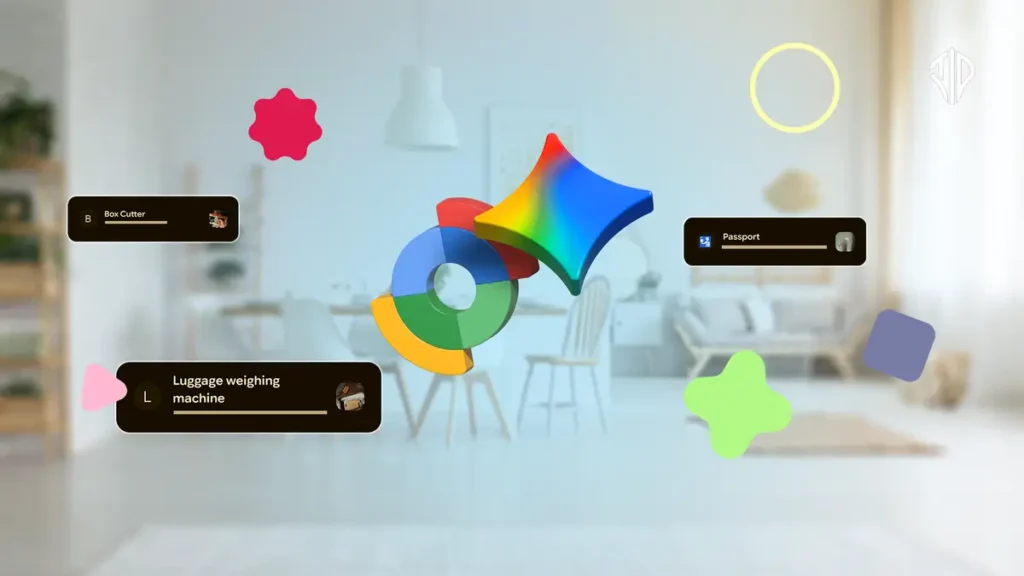
Managing household clutter and remembering where important items are stored can be a frustrating challenge, especially during seasonal deep-cleaning sessions. While Bluetooth tags work well for keys and wallets, items like passports, tax documents, and spare keys lack physical trackers. A recent feature integration bridges this gap by connecting artificial intelligence voice commands with Google tracking tools.
This workflow uses Google’s Gemini assistant alongside the Find Hub application to create a searchable visual database of stored belongings. Instead of relying on memory or manual note-taking apps, users can log items effortlessly using conversational voice prompts.
Understanding the Find Hub Remembered Feature
Google’s Find Hub has evolved beyond traditional device tracking to include features designed for everyday physical inventory management. The Remembered section allows users to input item locations manually or through AI assistance.
The primary benefit is eliminating the tedious process of writing down storage locations in separate note applications. When combined with voice commands, the system records both the textual description of where an object lives and a visual reference photo.
Why Traditional Note-Taking Falls Short
Traditional methods like keeping a digital document or a dedicated notepad often fail because maintaining them requires tedious manual discipline. People frequently forget to update notes when items get moved to a different shelf or room.
Visual memory also plays a massive role in finding misplaced objects quickly. Attaching an actual photograph of the storage spot provides immediate context that plain text descriptions sometimes fail to convey clearly.
Step-by-Step Workflow for Setting Up the System
Setting up this inventory workflow requires a compatible mobile device running modern operating systems with both Gemini and Find Hub installed. Both applications must connect to the same primary Google user account.
Activation involves speaking directly to the AI assistant using natural language patterns. A typical voice command involves stating the item name, specific room, storage container, and attaching a reference photo.
Example Voice Commands to Get Started
Users can activate the tracking feature by speaking simple conversational instructions to their phone assistant.
One effective prompt structure involves clear locational specifics, such as asking the assistant to record where important documents reside.
For instance, telling the assistant that a passport is stored in the bedroom cupboard along with a snapshot creates an instant digital record. Similar commands apply to seasonal gear, tools, and valuable paperwork.
Retrieving Items When You Need Them
Finding items later is just as straightforward as storing them in the first place. Users simply ask the assistant a direct question about the location of a specific object.
Questions like asking where a spare car key or tax document went prompt the assistant to pull up the exact storage location and accompanying image instantly. This retrieval speed prevents wasted time searching through multiple rooms.
Limitations to Keep in Mind
While the system is efficient, it lacks the real-time automated tracking provided by physical Bluetooth beacons or GPS chips. If an item gets moved to a completely new location without updating the database, the recorded information becomes outdated.
Maintaining accuracy requires a quick manual update whenever stored goods change positions. Treating this habit as a routine part of home organization ensures the system remains reliable over time.
Broader Implications for Home Productivity
Integrating generative artificial intelligence into mundane organizational tasks showcases how software utilities can directly reduce daily friction. Organizing physical spaces digitally transforms a stressful, all-day chore into a manageable task.
As consumer technology continues to blend physical asset management with smart assistants, everyday household maintenance becomes significantly more streamlined for everyone.
Key Takeaways
- AI voice commands paired with Find Hub create a searchable visual database for household items without physical trackers.
- Visual references and photos provide immediate context that text-only notes often lack.
- Simple conversational prompts make logging and retrieving stored belongings fast and efficient.
- Routine manual updates are still necessary to keep database locations accurate when items are moved.
Join our community by subscribing to our Weekly Newsletter to stay updated on the latest AI updates and technologies, including the tips and how-to guides.
(Also, follow us on Instagram (@tid_technology) for more updates in your feed and our WhatsApp Channel to get daily news straight to your Messaging App).
