
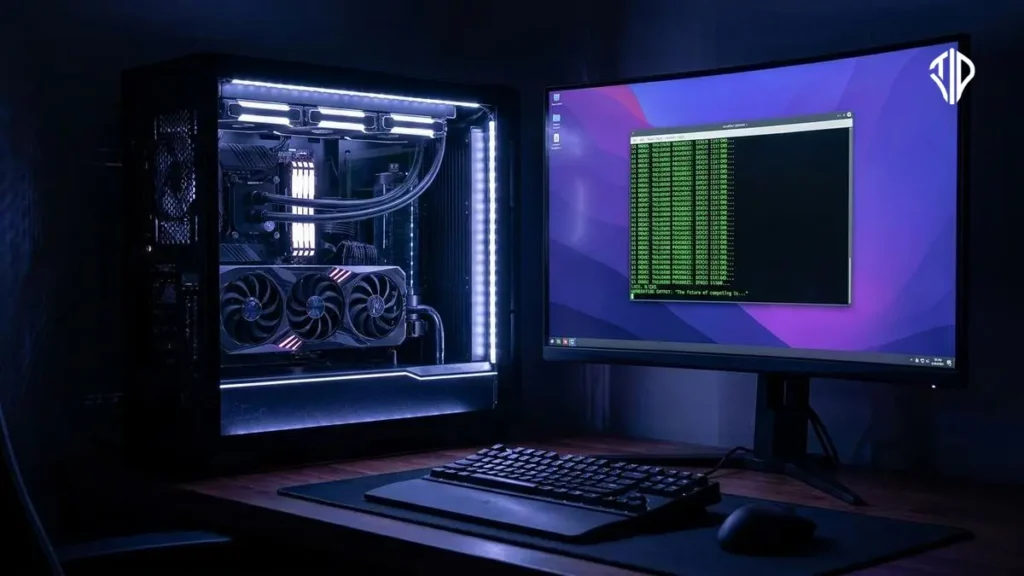
Running powerful generative AI models locally on consumer hardware has traditionally required dealing with complicated Python environments, command-line interfaces, and frustrating dependency errors. Addressing these steep technical barriers, recent software developments have introduced streamlined applications designed to make local image and video generation accessible to users without deep programming experience.
Comfy Desktop bridges the gap between advanced node-based AI workflows and everyday computing. By packaging the popular ComfyUI engine into a standalone desktop client for Windows, macOS, and Linux, the software manages installations, isolated Python runtimes, and GPU drivers behind the scenes. This approach removes the trial-and-error process that typically discourages newcomers from experimenting with open-source artificial intelligence.
Understanding ComfyUI And Node-Based Generation
Unlike consumer-friendly web apps that offer simple text boxes for generation, ComfyUI relies on a node-based interface. Users connect different functional blocks representing text encoders, samplers, and image decoders to build custom generation pipelines.
This node-based architecture offers unmatched flexibility for creators who want granular control over every step of the image or video generation process. Until recently, harnessing this power meant manually cloning Git repositories, configuring virtual environments, and troubleshooting missing dependencies through the command line.
The Desktop Application Advantage
The new desktop client automates the entire setup procedure by bundling a lightweight Python runtime alongside prebuilt PyTorch and GPU acceleration libraries. When users launch the application, it handles the initial configuration seamlessly, allowing creators to focus on their art rather than system maintenance.
Another significant advantage is the inclusion of side-by-side installations. Users can maintain multiple independent environments, each running different versions of the software or custom nodes without risking conflicts or breaking existing workflows.
Access To An Expanding Ecosystem
One of the greatest strengths of the platform is its massive community-driven ecosystem. Developers have built thousands of custom nodes that extend the software’s capabilities into new domains, from advanced upscaling algorithms to specialized animation tools.
When researchers release a new open-source model or technique, the open-source community often integrates it into compatible custom nodes within days. This rapid pace of innovation ensures that users running local hardware can experiment with cutting-edge architectures as soon as they become available.
Privacy And Cost Efficiency
Running AI models locally on your own graphics card provides distinct advantages over cloud-based services. Users retain complete ownership of their data, ensuring that prompts and generated images remain entirely private on their local storage drives.
Furthermore, local generation eliminates subscription fees and usage caps associated with commercial cloud platforms. While investing in capable GPU hardware requires an upfront cost, running unlimited generations locally becomes more economical over time for professional creators and hobbyists alike.
Getting Started With Local AI
Transitioning to local generation requires a dedicated graphics card with sufficient video RAM to handle modern models smoothly. Users interested in exploring these advanced workflows can download the installer for their respective operating systems and begin experimenting with pre-built templates.
As local hardware continues to improve, software solutions that lower the barrier to entry will play a crucial role in shaping the future of digital content creation. By removing the administrative burdens of AI deployment, tools of this nature empower a broader audience to harness cutting-edge technology directly from their personal computers.
Key Takeaways
- Comfy Desktop simplifies local AI generation by bundling Python, PyTorch, and drivers into a standalone client.
- Node-based architectures provide creators with granular control over complex image and video generation pipelines.
- Side-by-side installations allow users to maintain multiple isolated environments without version conflicts.
- Running models locally guarantees absolute data privacy and removes recurring cloud subscription fees.
Join our community by subscribing to our Weekly Newsletter to stay updated on the latest AI updates and technologies, including the tips and how-to guides.
(Also, follow us on Instagram @tid_technology for more updates in your feed and our WhatsApp Channel to get daily news straight to your Messaging App).
