
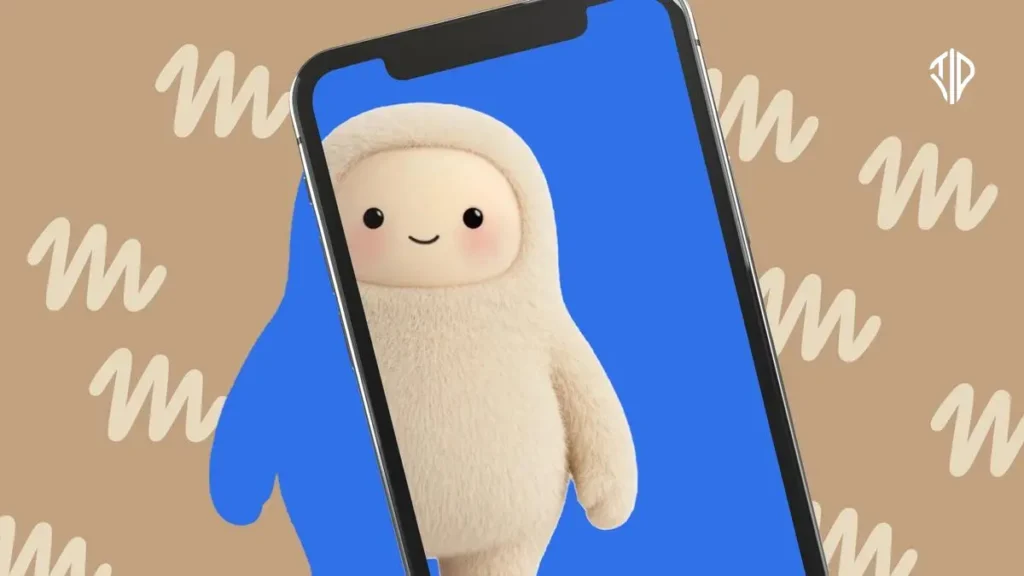
Meta is expanding the reach of its artificial intelligence ecosystem by releasing open-source software development kits that allow developers to build custom Muse AI gadgets using accessible hardware. This move shifts the AI assistant out of standard browser windows and mobile apps and directly onto physical workbenches, hobbyist displays, and microcontrollers.
By supporting popular platforms like Raspberry Pi and off-the-shelf ESP32 boards, the initiative invites makers to connect the Muse AI agent to physical buttons, sensors, and E Ink screens. It represents a growing industry trend toward democratizing physical artificial intelligence hardware development beyond major corporate ecosystems.
Understanding Meta Muse Hardware Kits
The newly open-sourced code provides the foundational software layer needed to turn ordinary electronics into interactive AI devices. Makers can program standard microcontrollers to process voice or text inputs and route them through Meta’s assistant architecture. The flexibility of the SDK means developers are not locked into a single form factor or manufacturer-approved enclosure.
Meta has highlighted several imaginative ways hobbyists can deploy the Muse AI framework using standard workshop components. One suggested project involves pairing the AI agent with a low-power color E Ink display to create a dynamic, ambient smart reminder board.
Another approach mounts the system onto an HDMI stick to bring interactive AI responses directly to a large desktop monitor or television screen. Makers can also assemble pocket-sized touchscreen units that resemble custom wearable devices or standalone desktop companions.
Introducing the Muse Home Link
Alongside the DIY software release, Meta is manufacturing a limited batch of five thousand dedicated hardware units known as the Muse Home Link.
This pre-built gateway device is designed to interface directly with community-created software skills and home automation setups. Users can leverage the Home Link to control smart home appliances, manage connected lighting systems, or dispatch documents to networked office printers.
Technical Requirements for Builders
Getting started with a custom Muse gadget requires basic familiarity with microcontroller programming and peripheral wiring. The ESP32 board serves as a cost-effective, Wi-Fi-enabled option for lightweight sensor and display integration.
Raspberry Pi setups provide more substantial computing overhead for projects requiring complex local processing or graphical touch interfaces.
The Open Source Shift in Physical AI
Releasing these software tools to the public signals a strategic shift in how conversational intelligence reaches everyday consumer environments.
Rather than manufacturing every companion device in-house, technology firms are relying on developer communities to invent novel hardware use cases. This decentralized approach often accelerates innovation by uncovering practical applications that corporate design teams might overlook.
Looking Ahead at Custom AI Devices
As open-source AI hardware gains traction, the boundary between software assistants and tangible everyday objects continues to blur.
Builders and electronics enthusiasts now have a direct pathway to experiment with advanced conversational agents in their own custom hardware enclosures.
The ongoing evolution of these community-built integrations will likely shape how consumers interact with ambient artificial intelligence in the near future.
Key Takeaways
- Meta has released open-source SDKs enabling developers to build custom Muse AI gadgets using accessible hardware like Raspberry Pi and ESP32 boards.
- Makers can create innovative DIY projects, including E Ink reminder boards, HDMI display sticks, and pocket-sized touchscreen companions.
- Meta is also producing a limited run of 5,000 pre-built Muse Home Link devices to interface with home automation setups.
- The move to open-source physical AI hardware shifts innovation from in-house corporate teams to decentralized developer communities.
Join our community by subscribing to our Weekly Newsletter to stay updated on the latest AI updates and technologies, including the tips and how-to guides.
(Also, follow us on Instagram (@tid_technology) for more updates in your feed and our WhatsApp Channel to get daily news straight to your Messaging App).
