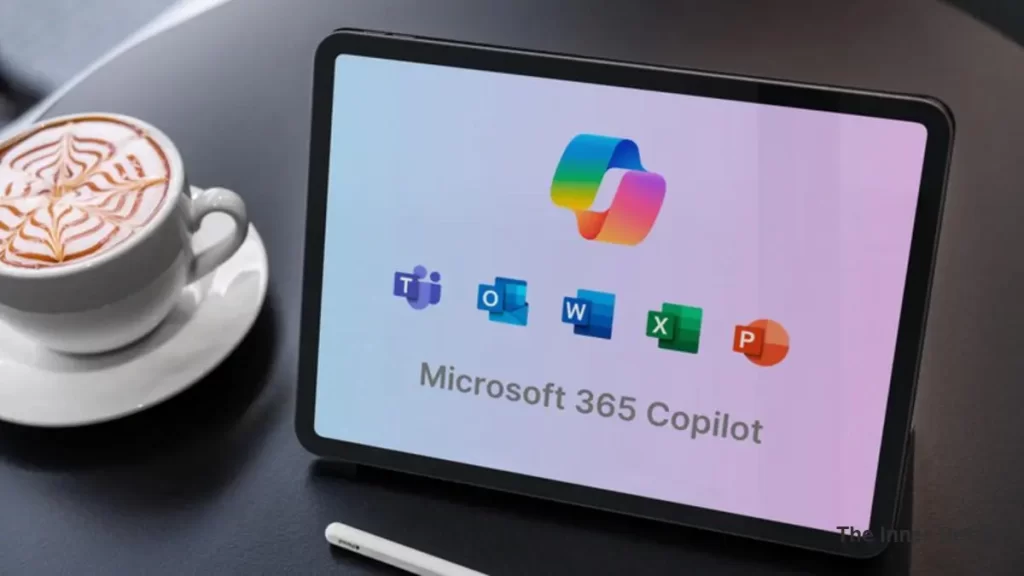
In an exciting stride towards a more intuitive and collaborative digital workspace, Microsoft is introducing “Vibe Working” to its suite of Office 365 applications, powered by advanced artificial intelligence. This groundbreaking initiative, reminiscent of the transformative impact “vibe coding” has had on software development, is set to redefine how we interact with our documents, spreadsheets, and presentations.
It ushers in a new era of human-agent collaboration, where AI acts not just as a tool, but as an intelligent partner, orchestrating multi-step tasks to deliver high-quality Office artifacts.
At the heart of Vibe Working are two pivotal innovations: Agent Mode within Office apps like Excel and Word, and the Office Agent, integrated directly into Copilot chat. These features leverage the latest reasoning models to unlock unprecedented levels of “agentic productivity,” making expert-level capabilities accessible to everyone.
Agent Mode: Democratizing Expertise in Excel and Word
Imagine having an expert assistant built right into your favorite Office applications, ready to tackle complex tasks with a simple prompt. That’s the promise of Agent Mode.
Agent Mode in Excel
Excel, the world’s most versatile data modeling tool, often hides its full potential behind a steep learning curve, accessible primarily to expert users. Agent Mode changes this paradigm entirely. By embedding AI that can “speak Excel” natively, built on the richness of Excel artifacts and OpenAI’s cutting-edge reasoning models, it democratizes access to advanced modeling.
This intelligent agent doesn’t just generate outputs; it evaluates results, identifies and fixes issues, and iteratively refines its work until the outcome is verified. It’s akin to delegating a complex analysis to an Excel expert, while you maintain control and guide the process.
For instance, you could prompt Copilot with: “Run a full analysis on this sales data set. I want to understand some important insights to help me make decisions about my business. Make it visual.” Agent Mode would then determine the appropriate formulas, create new sheets, and generate data visualizations, all while providing a summary of its insights and validation steps for your review and further iteration.
Microsoft also rolled out “Copilot for Finance“, an AI with a guide for finance professionals on how to handle it. Why don’t you check this out?
Other powerful prompts include:
- Financial Analysis Prompt: Create a financial monthly close report for a bike shop business, including a breakdown of product lines across VTB, VTF, sequential, and year-over-year growth. Use standard financial formatting and best practices.
- Loan Calculator Prompt: Build a loan calculator that computes monthly payments based on user inputs for loan amount, annual interest rate, and term in years. Generate a schedule showing month, payment, principal, interest, and remaining balance. Present the results in a clear, formatted table.
Agent Mode in Word
With billions of Word documents created monthly, Agent Mode in Word transforms document creation into “vibe writing,” an interactive and conversational experience. Instead of struggling with a blank page, you simply tell Copilot what you need. Whether it’s to “summarize recent customer feedback and highlight key trends,” Copilot takes on the heavy lifting. It drafts content, suggests refinements, and asks clarifying questions, making writing feel more like a dynamic dialogue than a solitary task.
You focus on your intent, and Copilot brings it to life, complete with Word’s native styles and polished formatting. This deeper interaction promises faster iteration, better ideas, and a significantly more engaging writing experience.
Consider these prompts for Agent Mode in Word:
- Monthly Report Update Prompt: Help me update this monthly report for September. Update the data table with the latest numbers from the /Sept Data Pull email. Summarize the key highlights including insights compared to last month’s /August monthly report.doc.
- Document Style Prompt: Can you clean up this document? Title case for section headers, branding updates per the ‘/Latest brand guidelines’ email, and italicize all external partner mentions. Feel free to ask if you need help identifying partners or guidelines.
Office Agent: Crafting Presentations and Documents from Chat
Often, our work begins not in an application, but in a chat. The Office Agent in Copilot, powered by Anthropic models, enables a chat-first experience for creating high-quality PowerPoint presentations and Word documents. Traditionally, AI has often struggled with producing tasteful and well-structured slide decks, but Office Agent is set to change that.
When you give Office Agent a prompt like, “Create a deck summarizing the top 5 trends in the athleisure clothing market,” it embarks on a sophisticated process:
- Clarifying Intent: It first seeks to understand your precise needs – file length, visual theme, key focus areas, and target audience.
- Conducting Deep Research: Utilizing deep reasoning capabilities, it performs web-based research, gathering and analyzing relevant information. It even shows its “chain of thought” and provides a live preview of the slides.
- Producing High-Quality Content: Through code generation, it executes your request, performing quality checks along the way to produce a ready-to-share presentation.
From there, you can continue to collaborate with Office Agent in the chat to refine visuals, adjust formatting, or revise content, or seamlessly hand it off to PowerPoint for final touches with Copilot.
Here are more Office Agent prompts to inspire you:
- Business Plan Prompt: Help my restaurant chain draft a pop-up kitchen plan in Philadelphia. The event must serve 200 guests, use only locally sourced ingredients, stay within a $10,000 food-cost budget, and comply with county health permits. Give me an 8-slide overview to help me through the planning process.
- Retirement Savings Plan Prompt: I need to create a set of slides to share with my employees to encourage them to actively fund their retirement accounts. We’ve agreed to match a percentage of their contributions, but I’d like to increase the uptake of people participating in this program. Use a combination of numbers, visuals, and narrative/analogies to help.
Get Started with Vibe Working Today
Vibe working is rolling out now, promising to transform how we approach productivity. Agent Mode in Copilot for Excel and Word is available in the Frontier program for Microsoft 365 Copilot licensed customers and Microsoft 365 Personal, Family, and Premium subscribers. Agent Mode works on the web versions of Excel and Word, with desktop availability coming soon.
To try Agent Mode in Excel, you will need to install the Excel Labs add-in. Office Agent is also rolling out today in the Frontier program for Microsoft 365 Personal, Family, and Premium subscribers based in the United States, working in Microsoft 365 Copilot on the web in English.
This is merely the beginning of “vibe working.” Microsoft’s commitment to infusing AI into our daily workflows promises a future where human creativity and AI efficiency combine to unlock unparalleled productivity and a more enjoyable work experience.
Key Takeaways
- Microsoft introduces “Vibe Working” powered by AI for enhanced collaboration in Office 365.
- Agent Mode in Excel and Word democratizes expertise, making advanced capabilities accessible to all users.
- Office Agent in Copilot enables chat-first creation of high-quality presentations and documents.
- Vibe Working is currently rolling out to Microsoft 365 subscribers, promising increased productivity and an improved work experience.
Join our community by subscribing to our Weekly Newsletter to stay updated on the latest AI updates and technologies, including the tips and how-to guides. (Also, follow us on Instagram (@inner_detail) for more updates in your feed).
(For more such interesting informational, technology and innovation stuffs, keep reading The Inner Detail).