
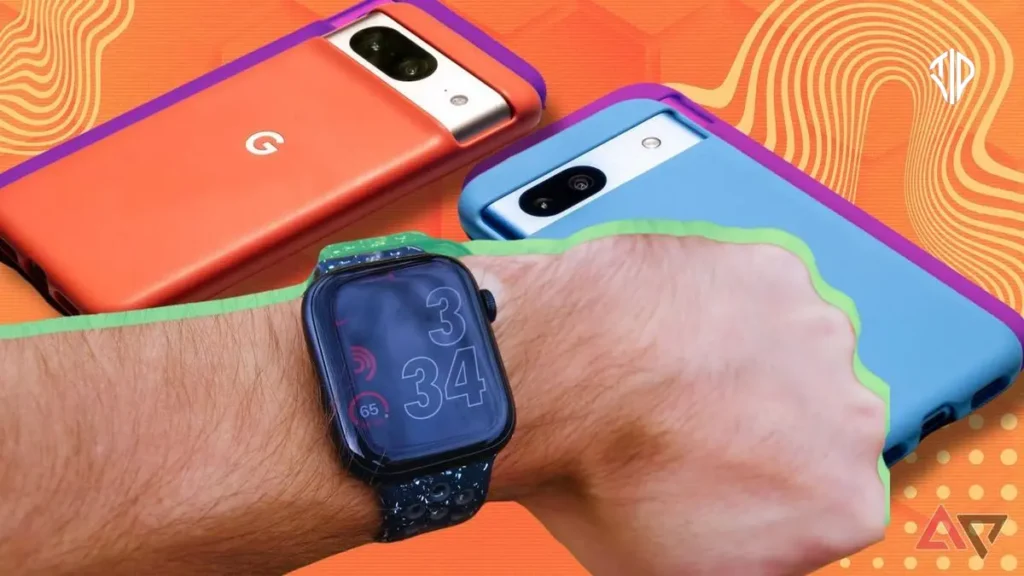
Connecting an Apple Watch to an Android Smartphone
While smartwatches are designed to stay within their native software ecosystems, some mobile users prefer mixing hardware from different brands according to recent reports. Connecting an Apple Watch to an Android smartphone is technically possible, but it requires a tedious activation workaround.
The process is far from seamless and comes with heavy functional compromises. Understanding these limitations before attempting the setup can save you hours of frustration and configuration issues.
Apple builds its wearable lineup to integrate tightly with iPhones for notifications, firmware updates, and core health tracking. Bypassing this restriction means sacrificing native features like Siri and reliable SMS messaging.
Even with these hurdles, enthusiasts often explore this route to enjoy the premium hardware build of Apple wearables. Third-party applications help bridge the communication gap, but the setup process requires patience and access to an auxiliary iOS device.
The Activation and Setup Process
Activating the watch requires an initial connection to a compatible iPhone. You cannot configure a brand-new Apple Watch directly from an Android device out of the box.
The process involves transferring your active SIM card or eSIM temporarily to an iPhone during the pairing phase. Once the initial synchronization finishes, you move the SIM back to your Android handset.
Turn off both the iPhone and the Apple Watch after completing the initial iPhone synchronization process. Remove the physical SIM card or transfer your digital profile back to the primary Android phone.
Power on your Android device and allow it to reconnect to your mobile carrier network. Finally, boot up the Apple Watch to receive cellular calls independently of the iPhone.
Third-Party Software and Functional Limits
Because the devices lack a direct Bluetooth bridge, third-party software becomes necessary for expanded functionality. Applications like Merge Watch help sync notifications, music controls, and fitness metrics across the operating system divide.
The companion software usually requires a modest subscription fee to unlock full functionality. Setup involves installing the application on both platforms and approving secure Bluetooth pairing requests.
Health data collected by the watch syncs to supported health aggregation platforms on Android. However, specialized readings like electrocardiograms often remain trapped inside the third-party companion app interface.
Using an Apple Watch on Android means losing access to integrated ecosystem features. Apple Pay setup, native messaging apps, and deep system-level integrations simply do not function properly.
Alternatives and Final Thoughts
Dedicated Wear OS alternatives provide a much smoother user experience for Android device owners. Smartwatches designed specifically for Android eliminate the need for complicated SIM-swapping rituals and recurring third-party subscription fees.
Weighing the hardware design preferences against daily usability is essential before committing to this cross-platform setup. For most users, sticking to native hardware combinations remains the most reliable path.
Key Takeaways
- Connecting an Apple Watch to an Android phone is technically possible but requires a tedious activation workaround using an auxiliary iPhone.
- You must temporarily move your SIM card or eSIM to an iPhone during the initial setup and pairing phase.
- Third-party apps like Merge Watch are necessary to bridge the ecosystem gap, often requiring subscription fees and presenting functional limits.
- Core features such as Apple Pay, Siri, native messaging, and specialized health readings like ECGs will not work properly.
- Sticking to native Wear OS devices provides a much smoother, frustration-free user experience for Android owners.
Join our community by subscribing to our Weekly Newsletter to stay updated on the latest AI updates and technologies, including the tips and how-to guides.
Also, follow us on Instagram (@tid_technology) for more updates in your feed and our WhatsApp Channel to get daily news straight to your Messaging App.
