
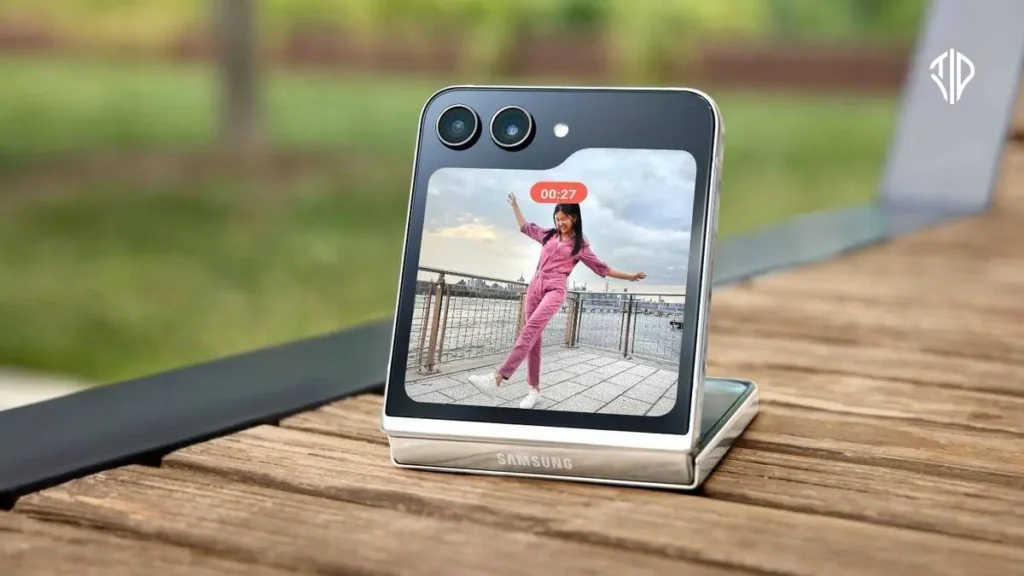
Beyond the Basics: Unlocking Samsung’s Advanced Software Features
Modern smartphones often feel uniform, with many operating systems offering similar interfaces and limited deep customization options out of the box.
For users seeking granular control over their devices, Samsung’s One UI software layer provides unique tools that extend far beyond standard Android capabilities.
From advanced interface modifications to built-in desktop environments, these software additions change how users interact with their mobile hardware every day.
Modular Customization with Good Lock
The first major software advantage is Good Lock, a modular application available through the Galaxy Store.
Unlike traditional launchers that replace the entire user interface, Good Lock installs separate modules that modify specific parts of One UI without requiring root access.
Tools like RegiStar allow users to reorder settings menus and assign back-tap gestures for quick actions.
Another module, One Hand Operation+, adds customizable screen edge handles that recognize various swipe directions for one-handed navigation.
NotiStar maintains a searchable log of all device notifications, preventing important alerts from being permanently lost after an accidental swipe.
Intelligent Automation with Modes and Routines
Automation is another area where Samsung builds significantly upon stock Android through its native Modes and Routines application.
Users can pair specific conditions, such as connecting to a designated Wi-Fi network or dropping below a battery threshold, with automated actions.
This built-in system allows for quick setup of daily automations, such as adjusting media volumes upon connecting wireless earbuds.
The inclusion of routine extensions and touch macro support further expands how hardware responds to user environments.
Hardware Integration and S Pen Utility
Hardware integration also plays a crucial role in expanding mobile utility, particularly through stylus support on select flagship models.
The S Pen enables hover detection features that let users preview photos or magnify small text without touching the screen.
Features like S Pen to text instantly convert handwriting into typed characters across search fields and address boxes.
Additionally, Bluetooth-enabled stylus models allow for remote shutter control, making it easier to capture group photos without touching the device.
Advanced Audio Management and Real-Time Processing
Audio management has also evolved with advanced software processing tools integrated directly into the operating system.
Audio Eraser separates recorded audio clips into distinct categories such as voices, music, and background noise, allowing users to adjust or mute specific elements.
Recent software updates extend these noise reduction capabilities to streaming media apps and live calls.
This shifts audio processing from a post-production editing task into a real-time listening enhancement.
Desktop Productivity with Samsung DeX
Finally, Samsung DeX transforms a compatible smartphone into a full desktop workstation when connected to an external monitor and keyboard.
Recent platform updates improve window management, allowing users to run multiple resizable apps across separate virtual desktops.
Features like persistent window positioning and secure workspace locking make mobile desktop environments increasingly viable for daily productivity.
These software enhancements demonstrate how flexible interface design can breathe new life into mobile operating systems.
Key Takeaways
- Samsung’s One UI offers deep customization and advanced tools beyond standard Android capabilities.
- Good Lock modules enable granular interface modifications without requiring root access.
- Native Modes and Routines simplify daily device automation based on specific conditions.
- The S Pen and Samsung DeX bridge the gap between mobile hardware and desktop-level productivity.
Join our community by subscribing to our Weekly Newsletter to stay updated on the latest AI updates and technologies, including the tips and how-to guides.
Also, follow us on Instagram (@tid_technology) for more updates in your feed and our WhatsApp Channel to get daily news straight to your Messaging App.
