
Unlocking the Hidden Potential of Gboard
Gboard is often treated as a standard, set-and-forget application on most smartphones. Many users install the app, pick a theme, and leave its default configurations untouched.
However, beneath its simple interface lies a robust suite of productivity tools designed to eliminate friction from daily mobile interactions.
Taking a few minutes to adjust these hidden settings transforms Gboard into a powerful utility that goes far beyond basic text input.
Advanced Voice Typing and Dictation
One of the most effective upgrades involves utilizing advanced voice typing capabilities. Modern smartphones process speech much faster than users can type with their thumbs.
Google handles automatic punctuation smoothly during voice dictation without requiring verbal commands for every comma or period.
Users can even dictate simple formatting commands or insert emojis naturally during drafting. This approach speeds up long message replies, note-taking, and quick document drafts while on the go.
Mastering the Clipboard Manager
Another major time-saver is unlocking the full potential of the built-in clipboard manager. Instead of treating it as temporary storage, users can pin frequently typed information directly into the keyboard interface.
Pinning home addresses, standard email replies, delivery instructions, and contact details removes the need for repetitive manual typing.
Accessing these pinned items takes only a couple of taps inside any messaging or form-filling application.
Personal Dictionaries and Shortcuts
Setting up a personal dictionary also prevents the keyboard from second-guessing local words, professional terms, and slang. Adding custom vocabulary stops annoying autocorrect errors and keeps preferred terminology readily available in suggestion strips.
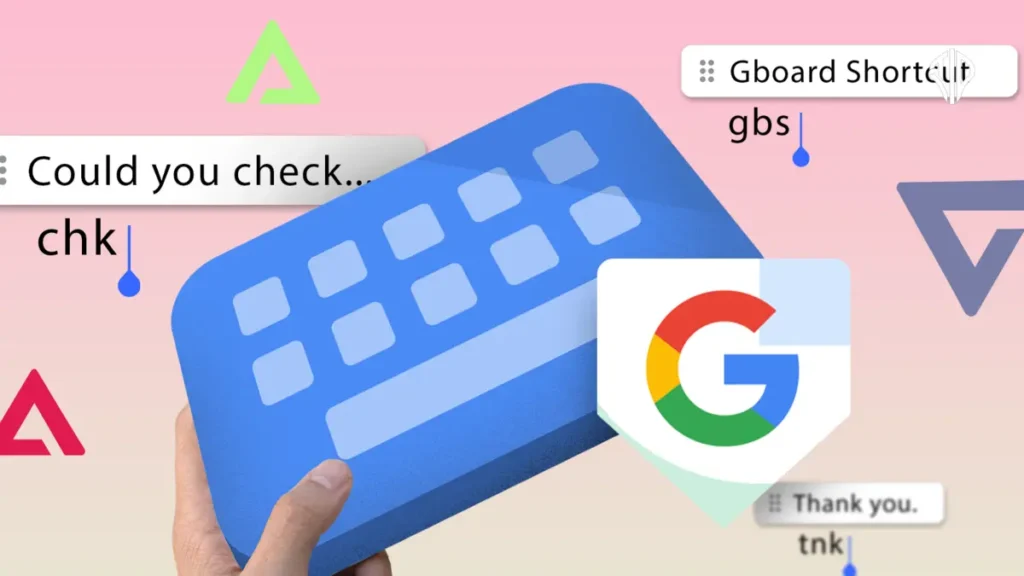
Users can even assign shortcut abbreviations to dictionary items for even faster text expansion.
Seamless Screenshot Integration
Enabling screenshot integration inside the clipboard further streamlines everyday tasks. Instead of switching between apps to share recent captures, recent screenshots appear directly within the keyboard interface for instant sharing.
These minor adjustments require no third-party applications or complex configurations. Optimizing existing software tools around personal habits creates a noticeably smoother mobile experience.
Key Takeaways
- Gboard contains powerful hidden productivity tools beyond basic text input.
- Voice typing handles automatic punctuation and emojis to speed up drafting.
- The clipboard manager allows users to pin frequently typed information like addresses and templates.
- Personal dictionaries and custom shortcuts eliminate annoying autocorrect errors.
- Screenshot integration lets users share recent images directly from the keyboard interface.
Join our community by subscribing to our Weekly Newsletter to stay updated on the latest AI updates and technologies, including the tips and how-to guides.
(Also, follow us on Instagram @tid_technology for more updates in your feed and our WhatsApp Channel to get daily news straight to your Messaging App).
